How to Set Up IPTV on Smart TV, Android and Fire TV Stick
A simple step-by-step guide to installing a compatible player app and entering your IPTV access details on Smart TV, Android and Fire TV Stick.
Read the guideStart with a free test, then choose 3, 6 or 12 months. Set up on any device in minutes.
Longer plans cost less per month.
Pay by card (Visa, Mastercard), PayPal, bank transfer or crypto.
Everything that comes with your subscription.
See what's on now and next on every channel, right in your player app.
Missed a programme? Watch it later on channels that offer catch-up.
A sharper picture on 4K TVs, on channels available in 4K.
Lock the channels you don't want children to see.
How many screens can watch at once depends on your plan. Ask us on WhatsApp.
Our team helps with setup, plans and payments on WhatsApp and by email.

Start with a free test, then choose 3, 6 or 12 months. Set up on any device in minutes.
Start free test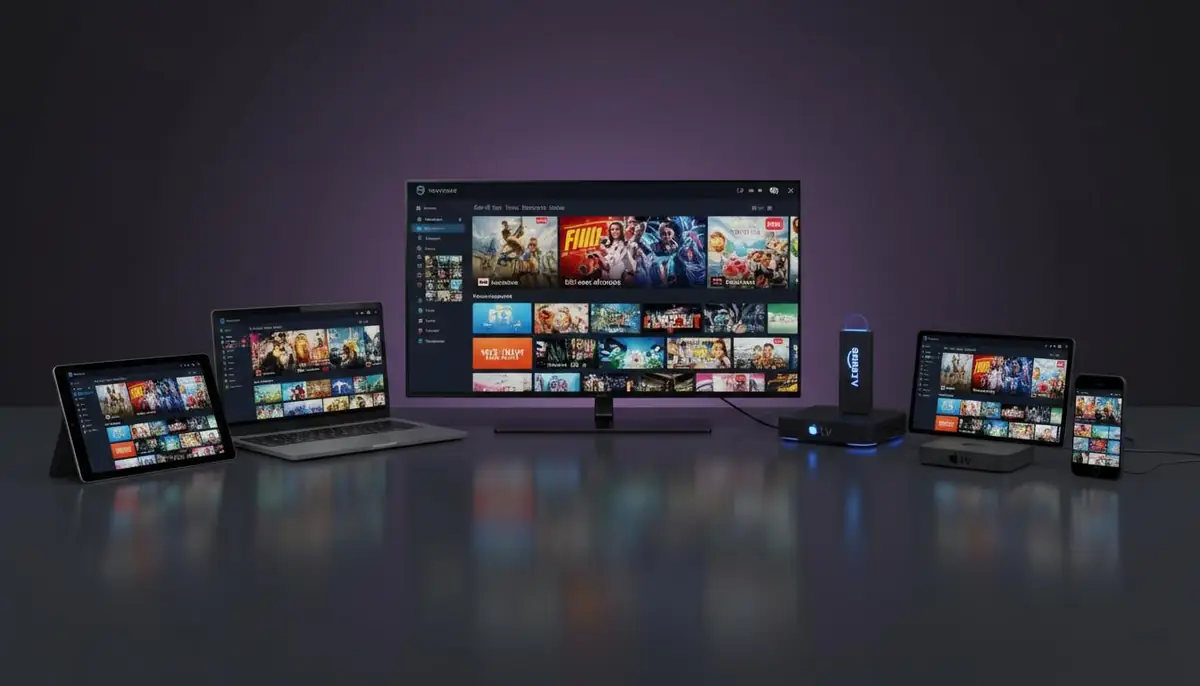
A simple step-by-step guide to installing a compatible player app and entering your IPTV access details on Smart TV, Android and Fire TV Stick.
Read the guide
Short, practical guides for getting the best picture on your TV.
A simple step-by-step guide to installing a compatible player app and entering your IPTV access details on Smart TV, Android and Fire TV Stick.
Read the guideFind out the connection speed to stream IPTV smoothly in HD and 4K, and simple ways to fix buffering at home.
Read the guideTap Start free test and send us the WhatsApp message that opens. You get your access details within minutes. No card is needed, and the test lasts 24 hours.
Smart TVs, Android phones and boxes, iPhone and iPad, Fire TV Stick, MAG boxes, Windows and macOS, using compatible apps.
Yes, depending on your plan. Ask us on WhatsApp and we'll tell you how many screens each plan includes.
The 1-year plan has the lowest price per month. The 3 and 6 month plans are a good fit if you prefer a shorter commitment.
Tap Choose plan on the plan you want. WhatsApp opens with your order ready to send. Once your payment is confirmed, we activate your plan and send your access details.
Card (Visa and Mastercard), PayPal, bank transfer and crypto. When you order on WhatsApp, tell us which one you prefer.
Install a compatible player app, enter the access details we send you and your channel list loads. Our setup guide covers Smart TV, Android, Fire TV Stick and more.
About 5 to 10 Mbps for each HD stream and 25 Mbps or more for 4K. A network cable or 5 GHz Wi-Fi gives the most stable picture. See our internet speed guide.
Yes. If the service does not work as described and our support team cannot fix it, you can ask for a refund within 7 days of activation. Read the refund policy for details.
Message us on WhatsApp or email support@onetvprime.com. We help with plans, setup and payments.